FTTHelper — conjure character art, chronicle your sessions, and build a world your table wants to revisit. AI-native D&D 5e campaign workspace.

Theirsecretnotes.Yourbesttwists.
Players write desire notes only they can see; you receive anonymized story hooks with no name attached. Spoilers are impossible by construction — enforced in Postgres, not a settings page. Art, session capture and the 5e compendium ride along.
The reveal
Every plain idea hides a deeper magic.
Move your cursor across the image like a lantern. A mundane rendering melts into its arcane-ascended form, right before your eyes.
The same core loop powers every creation on FTTHelper. A simple idea enters the ritual chamber, and a richer version emerges — ready to share, remix, and build upon.
The ritual
Create it. refine it. share it.
Three movements, one loop. FTTHelper turns a single idea into a piece of living campaign history — and puts it in front of the realm.
Summon
Conjure characters, scenes, relics, and maps with a simple prompt. Pick your direction or let the ritual guide you step by step.
Remix
Take any public piece, add your twist, and conjure a new version. Every remix links back to the original, building a living chain of inspiration.
Share
Publish to your public profile, embed in your campaign wiki, or drop the link in your group chat. Each piece becomes part of the realm's showcase.
Watch the ritual unfold
From floating runes to a realm worth sharing.
One prompt becomes a portrait, a portrait becomes a character, and a character becomes the campaign your table keeps coming back to.
Create
Summon art
Reimagine
Remix a piece
Remember
Chronicle sessions
Share
Share your realm
The spellbook loop
Create it. refine it. show it off.
FTTHelper is built around a simple promise: the fantasy art is the entry point, but the campaign memory and sharing layer keep people coming back.
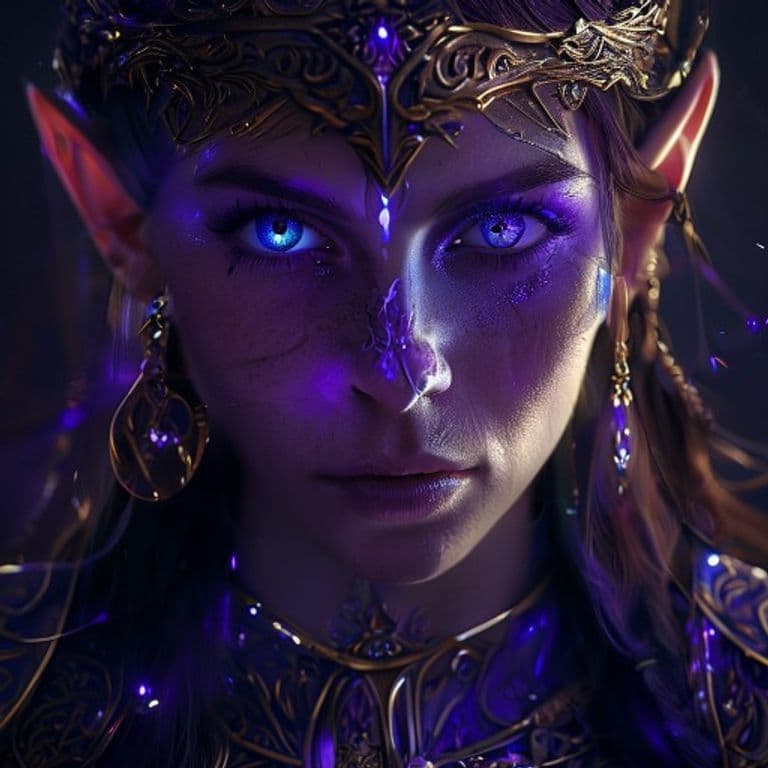
Create
Summon character art
Jump straight into prompt mode or guide the ritual step by step. Characters, scenes, relics, and mood all stay inside one arcane flow.

Organize
A book for every soul
Your Library turns loose creations into a living collection, so each hero, villain, city, and treasure has a place to keep growing.
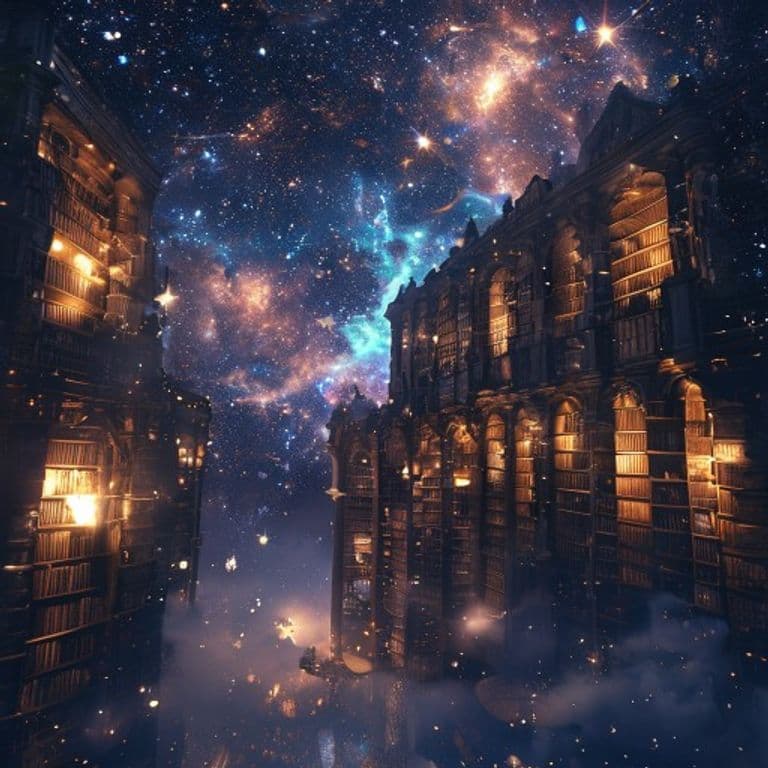
Remember
Your campaign, alive
Session logs and AI recap flows keep the story moving after the dice stop rolling, so your table comes back faster and sharper.

Share
Gather your table
Public art pages, creator profiles, and remix links turn the best pieces into invitations. The product showcases itself.
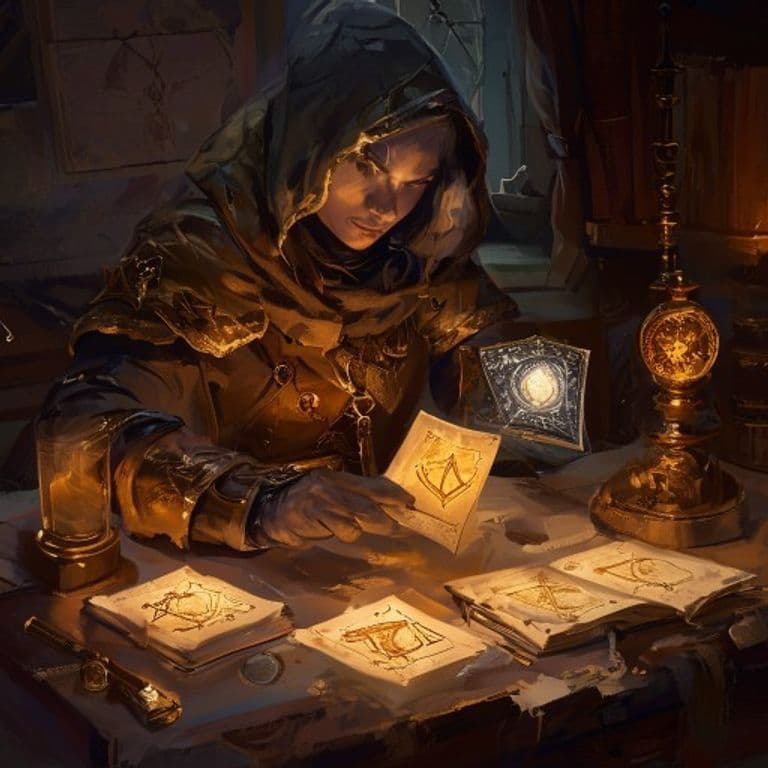
Learn
Builds & guides →
A tier-ranked catalog of community D&D 5e builds, with a Loremaster-grounded advisor that answers what to pick at each level.
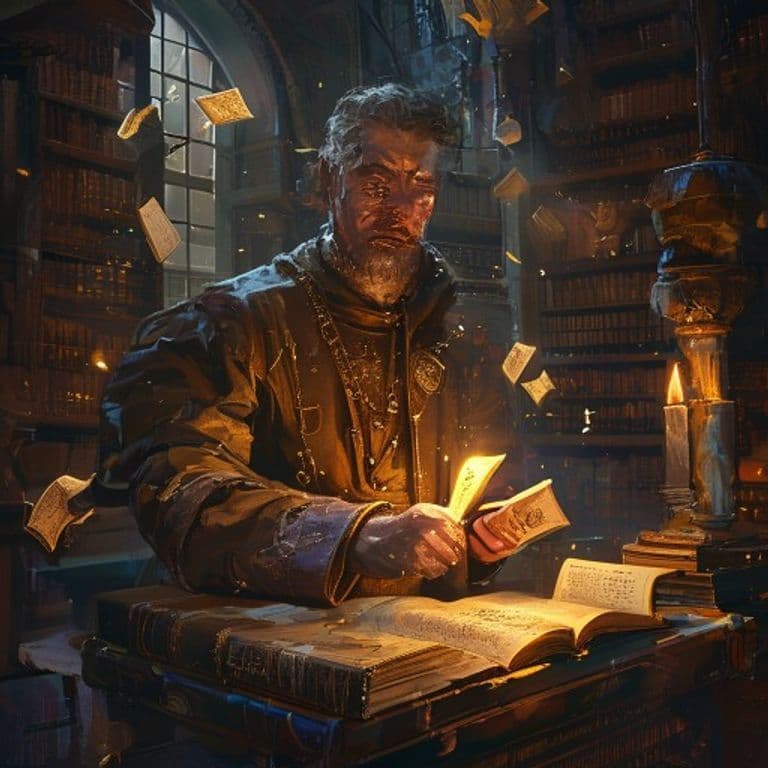
Reference
The 5e Compendium →
Monsters, spells, items, races, classes, feats — art and a stat block on one page, every entry cited. Look one thing up. Add it to the table.
Spoiler-free by design
They only see what you want them to see.
Reveal an NPC when the party earns it, not when someone guesses a URL. Not “hide the page and hope” — three levels of visibility enforced by Postgres row-level security, so an unauthorized read does not get a “no.” It gets a row that does not exist.
Desire notes only the author can read. Another player guessing the URL gets nothing — the row is invisible at the database level.
Everything captured from your sessions lands hidden by default. Share it with one click when the table has earned it.
Shared on purpose. Players see what you decided they see — never what you merely forgot to hide.
Your players’ private notes become story hooks on your side of the screen — with the author’s name stripped, so you learn where the table’s head is without anyone feeling watched. The AI companion answers from confirmed canon only; an unshared secret never reaches a player through it either.
See how that compares to the wikis: FTTHelper vs World Anvil, LegendKeeper, and Loreify →
Grounded in the SRD
7,029+ entries. Every claim cited.
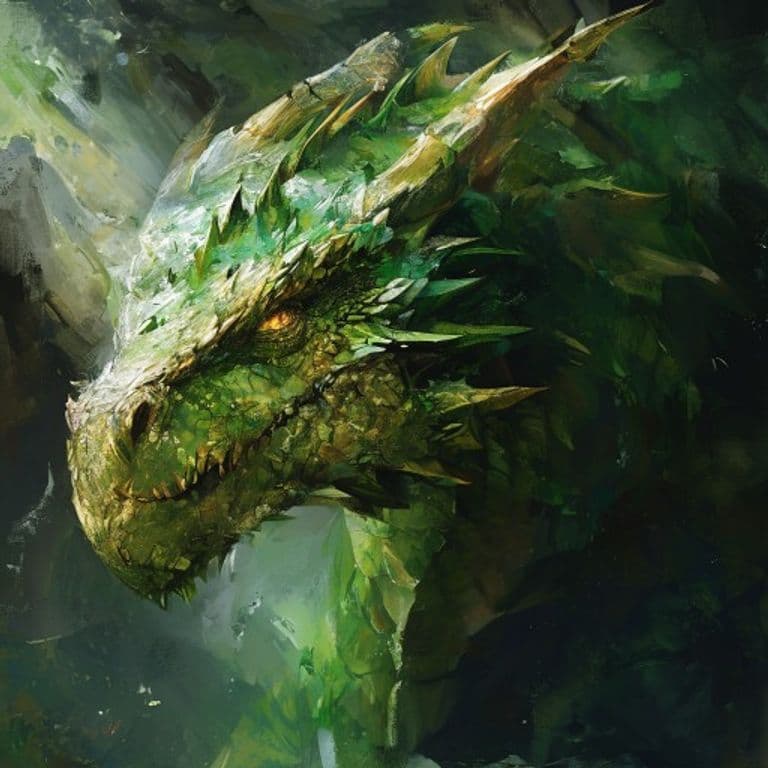
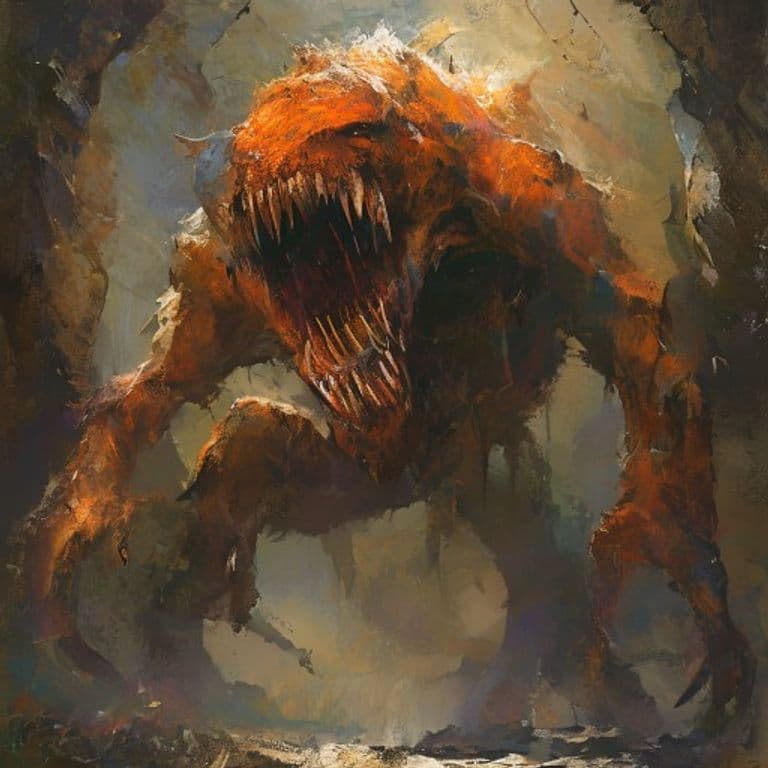
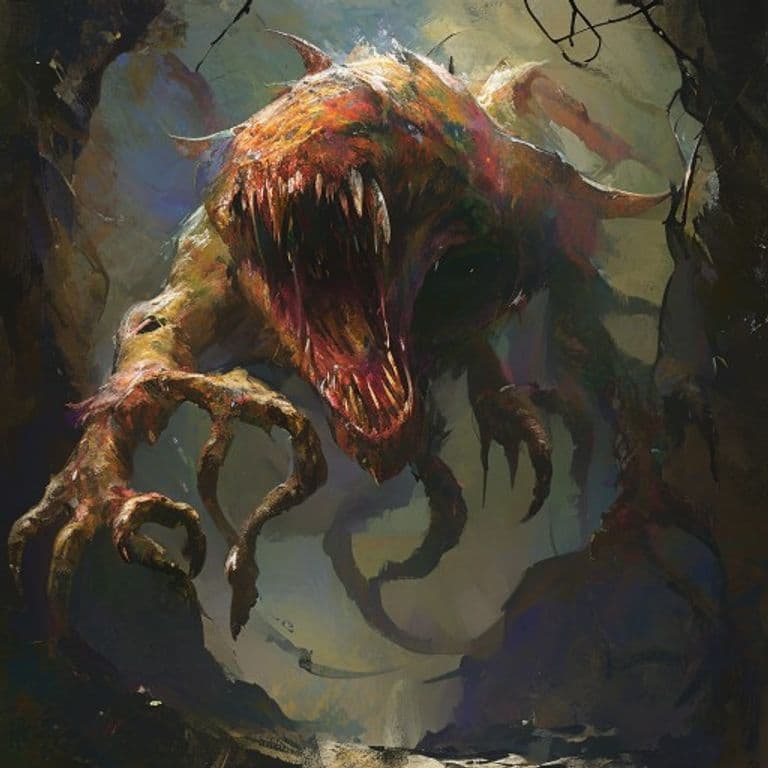
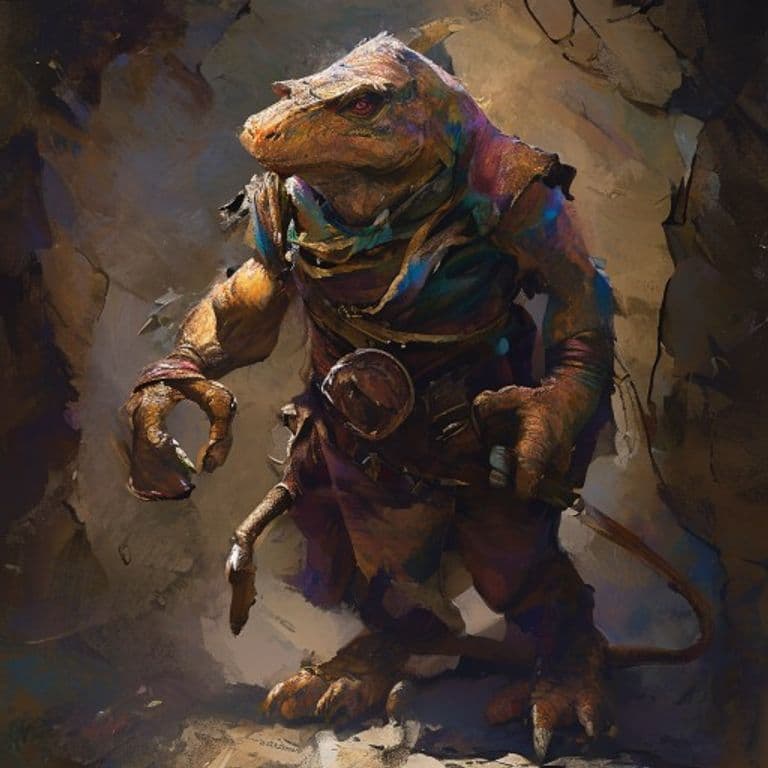
Monsters, spells, items, races, classes, feats — community-curated from the open D&D 5e SRD and OGL. Our NPC chat and build advisor ground every reply in this corpus with real citations.


The flow
Three steps from idea to image.
No prompt wrangling. No setup. The corpus does the heavy lifting so you can focus on the character, not the prompt.
- 01
Pick a class & race
Guided picker draws from 5,600+ SRD-grounded entries. Auto-fills your character’s gear, level, and core stats from a single D&D Beyond URL or PDF.
- 02
Add details
Pose, mood, environment, weapon, armor fit. Every detail you set tightens the prompt. The Loremaster advisor suggests what to pick at each level.
- 03
Summon a portrait
AI paints a character faithful to the SRD. Save to your Library, link to a codex character, or share publicly. NPC chat and the build advisor ground their replies in the same corpus.
Loremaster-reviewed
30+ tier-ranked builds.
Every build is reviewed by the Loremaster, scored on DPR / control / durability / flexibility, and ranked S through C. The Loremaster advisor answers what to pick at each level.
Paladin of Devotion
Paladin · Human
Aura-of-protection tanker that scales bounded accuracy; saves the party every fight from level 14 onward.
View build →
Wizard of Evocation
Wizard · Half-Elf
Blaster who wins initiative and the field: AOE control + bounded accuracy through Sculpt Spells + Silvery Barbs.
View build →
Cleric of the Life Domain
Cleric · Dwarf
Tanky healer who is also a frontline threat: Spirit Guardians + Disciple of Life + Spirit Weapon is the engine.
View build →
7,029
SRD wiki entries
monsters, spells, items, races, classes, feats
30
Tier-ranked builds
S/A/B/C, Loremaster-reviewed
113
Public portraits
characters, NPCs, scenes, items
3
Open licenses
SRD 5.1, OGL-1.0a, CC-BY-4.0
Conjured by the realm
The realm's finest — top art from the community. Tap a piece to open it.
Get started free
Bring your campaign to life.
Conjure your first character in minutes. Free forever on the Igarus model, with the Compendium and Loremaster build advisor ready when you are.
Questions
- Is it free?
- Yes — sign up free and you can conjure on the Igarus model (our tuned default) with no card. Premium models (FLUX.2 pro, Grok Imagine, Nano Banana 2, GPT Image 1.5) cost 1–4 credits an image; subscribe or buy a credit pack anytime.
- What AI model powers the art?
- A 5-rung ladder: Igarus (free, our tuned default), FLUX.2 pro, Nano Banana 2, Grok Imagine, GPT Image 1.5, and GPT Image 2. Pick per summon — different looks, different price points.
- Who owns my data?
- You do. Delete your account and everything goes with it.
- What does the SRD wiki cover?
- 5,600+ entries: every SRD monster, spell, item, race, class, feat, and background — sourced from the System Reference Documents 5.1 and 5.2 (CC-BY-4.0) and the Open Game License. Our NPC chat and build advisor draw from this corpus with real citations.
- Can players see the DM's notes?
- No. Row-level security prevents it at the database level.
- Discord bot?
- In the works. See the roadmap for the planned voice-to-transcript pipeline.